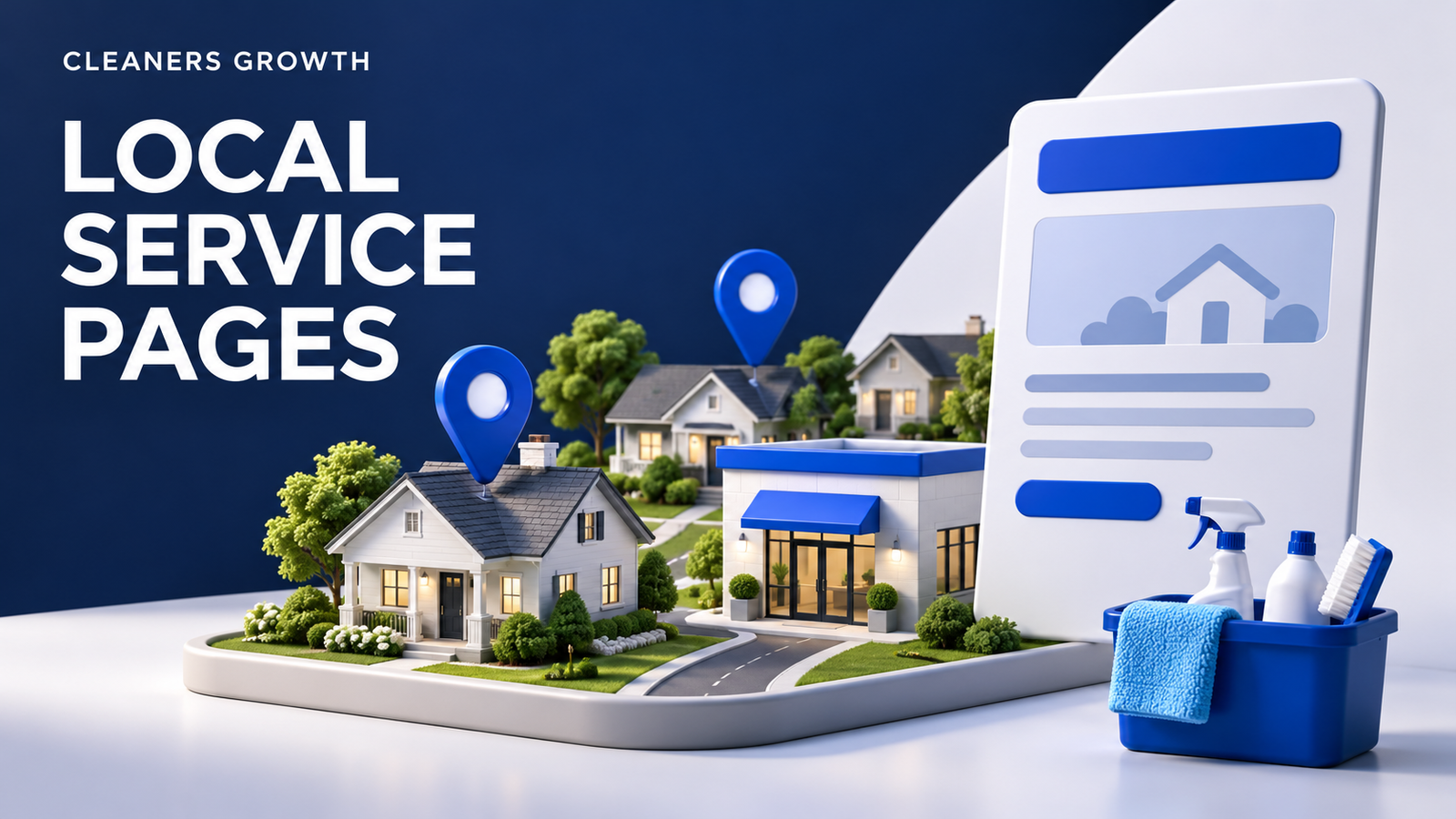
Cleaning service area pages should help a prospective customer answer a practical question: “Does this company provide the cleaning service I need where my property is located?” A useful page answers that question clearly and explains the next step.
For a cleaning business serving several US cities or suburbs, the temptation is to publish a page for every location on a map. That can create a large website without giving customers much useful information. A better starting point is your actual coverage, service mix, and ability to explain why each page deserves to exist.
This guide shows how to plan location content for your website, decide when a separate page makes sense, and avoid filling your site with interchangeable city pages.
What is a cleaning service area page?
A service area page explains the cleaning services available in a particular geographic area. It might cover a city, a group of nearby communities, or a well-defined part of a metro area.
It is different from a general service page. A carpet-cleaning service page explains that service in depth. A location page helps a customer understand whether your company can deliver relevant services at their property.
Those purposes can overlap. A small residential company may answer both questions on one strong page. A larger company with genuinely different offerings across several markets may need a more detailed structure. The right choice depends on the information customers need, rather than a fixed page-count target.
1. Start with an operational coverage list
Before researching keywords, ask the person responsible for scheduling which locations the team can realistically serve. Include restrictions that affect whether an inquiry can become a booked job.
Build a planning sheet with these fields:
- Location: The city or community you actually cover.
- Services available: Residential, commercial, carpet, window, pressure washing, or other verified offerings.
- Coverage limits: Boundaries, travel considerations, or services available only in part of the area.
- Customer needs: Questions the office repeatedly receives from that market.
- Evidence available: Approved job photos, documented experience, or genuine customer feedback.
- Current page: An existing URL that already answers the same request.
For example, a company might offer recurring house cleaning in its main city but accept only selected commercial projects in a neighboring market. A page claiming that every service is available everywhere would create the wrong expectations.
Use real restrictions. Do not invent a minimum job size, special travel fee, or availability promise just to make a location page look different.
2. Decide whether the area needs its own page
Not every place you serve needs a separate URL. Use the following planning framework to decide where to invest writing and maintenance effort. These are editorial recommendations, not Google requirements.
| Situation | Practical content choice | Reason |
|---|---|---|
| Several adjacent communities share the same services and process. | Start with a clear service-area overview. | Customers can confirm coverage without navigating repetitive pages. |
| A market has distinct services, customer questions, and useful supporting evidence. | Consider a dedicated location page. | You have meaningful information that helps people in that market. |
| A service has a detailed scope that applies across your coverage. | Explain it on a core service page and link to it. | You can keep the service explanation consistent and easier to maintain. |
| You cannot fulfill work in the location yet. | Keep it out of current service claims. | A future expansion plan is different from available coverage. |
A useful test is to remove the city name from the draft. If you cannot tell what customer need makes the page distinct, reconsider whether a dedicated page is necessary. Merely changing synonyms or rearranging paragraphs does not add useful local information.
3. Give each page a clear job in your website
List your existing pages before commissioning new ones. Assign each a primary purpose so the homepage, service pages, and location pages work together.
A straightforward structure might include a service-area overview, core pages for the services you actually offer, and selected location pages where there is enough useful information. You do not need every possible combination of service and suburb.
Use search intent to organize the content
Someone searching for office cleaning in a city may need to understand your building types, walkthrough process, and service coverage. A homeowner looking for a move-out clean may need scope details and a way to discuss timing.
Keep these differences visible. A location page listing every cleaning keyword without explaining what the company does leaves the visitor to work out the fit.
Use a clear, descriptive title and main heading. A title such as “House Cleaning in [City]” is appropriate only when it accurately describes the page and your offering. The brackets here are a planning placeholder, not text to publish.
If an existing page already answers the same need, improve that page before creating another near-identical URL.
4. Write from information your team can verify
Google’s people-first content guidance emphasizes useful, original information and evidence of experience. For a cleaning company, the strongest source material often comes from the people handling estimates and doing the work.
Ask them what customers in the area need to know before requesting service. Useful details might include:
- Which services are available and which requests require an assessment.
- How the team confirms whether an address is within coverage.
- Information needed to estimate the job accurately.
- How access arrangements are discussed for apartments, offices, or managed properties.
- What happens after a quote or walkthrough request.
Use approved photos of actual work when available, with accurate descriptions. Obtain permission before identifying a customer, property, or project. A generic image can illustrate the page, but it should not be presented as proof of a local job.
Avoid decorative local filler
A paragraph about a city’s history or popular attractions rarely helps someone choose a cleaner. Include local context when it changes the service decision, and verify it first.
For instance, an access question for a managed building may be useful if your team actually encounters it. A claim that all properties in a neighborhood have a particular cleaning problem needs evidence. Do not manufacture local expertise to fill space.
5. Avoid doorway-style city pages
Google’s doorway abuse policy identifies pages built for similar searches that act as less-useful intermediaries, including certain city-targeted pages that funnel visitors elsewhere. Its scaled content policy also addresses large volumes of low-value content created to manipulate rankings.
That does not mean every location page is a violation. The important distinction is whether the page offers a useful destination with accurate information, rather than existing mainly to capture another city-name query.
Warning signs to review include dozens of pages with only location names changed, services you cannot provide locally, and pages that make visitors click elsewhere to find basic service information.
A shared quote form is not, by itself, the problem. Customers can use the same contact process across several useful pages. Make each page helpful before the visitor reaches that form.
Never invent a local office, street address, team, testimonial, or completed project to make a page appear established in a market.
6. Connect the pages through useful internal links
A location page should be reachable from a logical part of your website, such as your service-area overview. Link to relevant service details when those pages help the reader understand the scope.
Google’s link best practices recommend crawlable links and descriptive anchor text. In practical terms, a visitor should understand where a link leads before clicking it.
Use concise labels such as “commercial cleaning services” or “areas we serve” where they fit the surrounding sentence. Avoid placing a long list of city and service keyword combinations into every paragraph.
Ask your web team to check that links work, the page is accessible on mobile, and it has no accidental indexing restrictions. A link or technical check helps a page function properly; it does not promise a particular search position.
7. Review business outcomes and keep coverage current
After publishing, review both search visibility and the inquiries the page generates. Keep the page URL with the inquiry record when your tracking setup supports it, then compare the requested service and location with the company’s actual coverage.
Look for practical patterns. Inquiries from places you do not serve may reveal unclear coverage wording. Customers repeatedly asking whether you clean offices may reveal that the service description needs work. A page generating suitable requests still needs a working response process to turn those requests into jobs.
Review coverage whenever routes, staffing, or services change. Update claims that no longer reflect what your team can deliver. If pages overlap heavily, review whether they should be combined and have your web team plan any URL changes carefully.
Frequently asked questions
How many cleaning service area pages should I create?
There is no universal number. Start with your real coverage and the information available. Publish separate pages where they provide distinct value, then maintain them as the business changes.
Can I use one template for several cities?
A consistent layout can help customers navigate. The substance still needs to be accurate and useful for each page. A template with only city names swapped does not solve the content problem.
Do I need a physical office in every area I serve?
A website page can explain where your team travels without claiming a branch office. Describe your coverage honestly. Separate platform rules apply to Google Business Profiles, which are covered in our Google Business Profile setup guide for cleaning businesses.
Plan useful local pages before expanding your site
Start by mapping existing pages against the services and places you can actually serve. Choose the most useful gaps, gather verified details from your team, and give each new page a clear purpose.
Cleaners Growth provides SEO and local search services for cleaning businesses, alongside conversion tracking for calls and quote requests. Request the Free Leak Finder Audit for a focused review of opportunities in your ads, website, or tracking.